Luisteramateurs
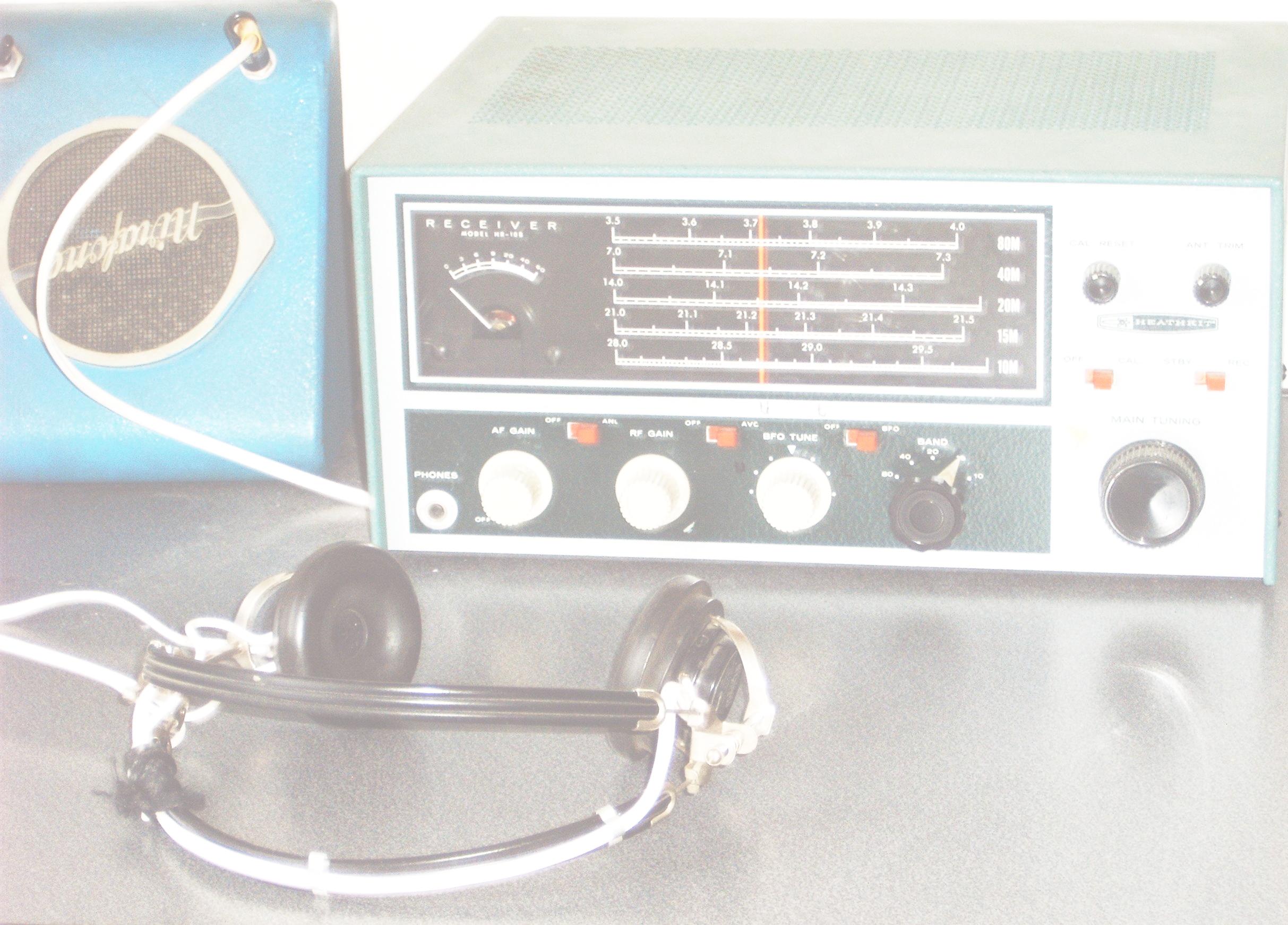 Luisteren maakt een belangrijk deel uit van het radioamateurisme. Je kunt deze hobby snel starten, zonder examen, door al luisterend kennis te maken met de mogelijkheden van het radioamateurisme. Al luisterend beleef je plezier aan radio en bouw je ervaring op voor een zendexamen. Als luisteramateur kun je experimenteren met techniek, antennes, ontvangers en de eigenschappen van radiogolven. In de VERON vind je collega amateurs, enthousiaste NL’ers, met hen bouw je ervaring op in de mogelijkheden van radio.
Als luisteramateur kun je ook contact leggen met de gehoorde amateurs. Via ontvangstrapporten, QSL-kaarten, die via de VERON wereldwijd verspreid worden. Veel zendamateurs beantwoorden deze rapporten met hun QSL-kaart. Voor het versturen van QSL-kaarten is een “luisternummer” gewenst. (Het luisternummer wordt ook wel NL-nummer genoemd).
Net als voor de zendamateurs worden er ook voor de luisteramateurs wedstrijden – ook wel genaamd “contesten” – georganiseerd. Daarmee kun je jouw ontvangstprestaties vergelijken met die van andere luisteramateurs.
Ook de NL-commissie van de VERON organiseert door het jaar heen meermaals luistercontesten en nodigt alle luisteramateurs uit daaraan mee te doen.
Registreren
Als VERON-lid vraag je het luisternummer aan via dit webformulier. Het luisternummer maakt je wereldwijd uniek herkenbaar als een Nederlands Luisteramateur.
NL-Commissie
De NL-Commissie stimuleert de luisteramateurs in Nederland met hun hobby. Deze commissie bestaat momenteel uit twee leden die onderling de taken van de commissie hebben verdeeld en zo nodig het werk van elkaar kunnen opvangen.
Commissieleden
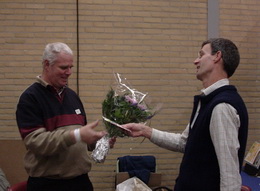 Thieu Mandos, NL199, is de voorzitter
Daarbij behartigt hij ook de volgende zaken:
- Secretariaatswerk NLC
- Redactie NL-post voor Electron
- Aanvragen SWL-certificaten, algemeen
- Adviezen voor de beginnende (luister)amateur
Je kunt Thieu voor vragen als volgt bereiken:
Wezel 21, 5508 MC Veldhoven
E-mail via onderstaand contactformulier
 Ruud Ivens, NL290, behartigt de volgende zaken:
- Organisatie Nederlandse luisterwedstrijden (contesten)
- Verstrekken van informatie over luisterwedstrijden algemeen
- Verzorgen van bijdragen aan de NL-post
- Up-to-date houden NLC-pagina’s op de VERON website
Ruud is voor vragen als volgt te bereiken:
Hittekamp 29, 3956 RE Leersum
E-mail via onderstaand contactformulier
Ons contactformulier
Lees onze privacy policy.